 WordPress
Background
The corporate website of a manufacturing company, built with WordPress a few years earlier and rarely updated: a few pages, a contact form, a PDF catalog. Nobody followed it consistently, because it did not sell online. For confidentiality, the company’s name and details have been omitted.
Symptoms
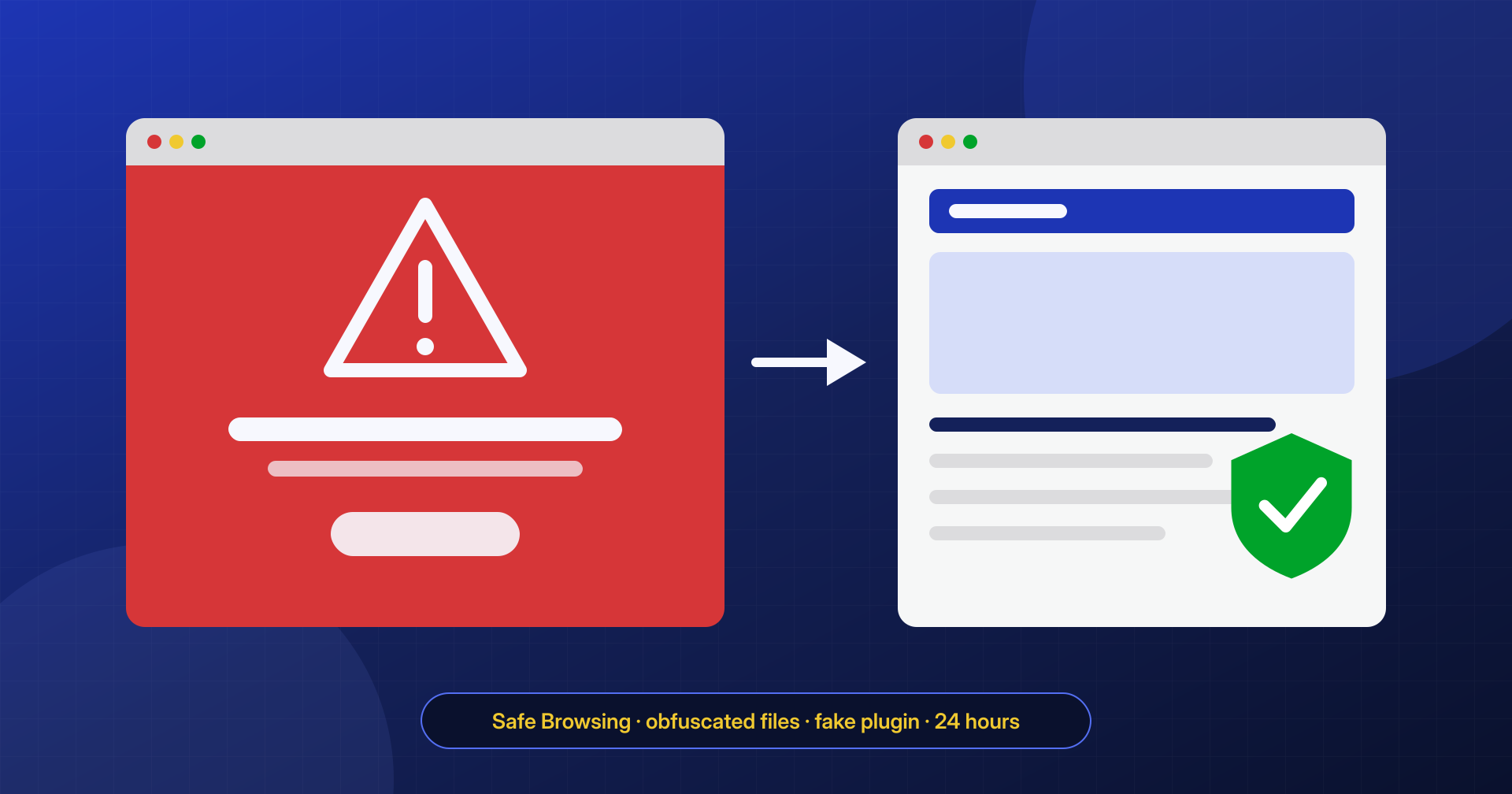
One morning employees and some customers opening the site found Google Safe Browsing’s red screen warning of a deceptive site. Shortly afterward other problems appeared: company emails, sent from the same domain, were landing in spam more often, and Google Search Console reported security issues with some examples of affected pages.
The client chose the 24-hour cleanup.
What we found at the application level
The URLs listed by Search Console led to phishing pages imitating a bank login, hosted inside a subfolder of wp-content/uploads. They had been uploaded by a complete phishing kit, with a small script that sent the credentials entered to an external address.
The kit was run by a fake plugin, with a name that evoked security and a header copied from a real plugin. It did not appear in the plugin list, because it hid itself with a filter on the list, and it gave the attacker a panel to upload files and create pages. Besides the plugin, the analysis found about twenty obfuscated PHP files scattered across the theme and uploads folders, with chains of base64_decode, str_rot13 and variable functions, and a few core files modified with a few extra lines.
The commercial theme in use also contained files encrypted with ionCube. We compared them with the original package downloaded from the vendor’s customer area: they were identical, therefore legitimate, and were left in place.
What we found at the system level
On the server there were no malicious cron entries or foreign processes running, but file permissions were too broad: the web server user could write everywhere, including the core files. The site was running an unsupported version of PHP. The access logs showed the point of entry: a successful login to the WordPress admin after thousands of login attempts, using the password of an account no longer used, belonging to a former contractor, followed by the installation of the fake plugin.
How we removed it
- Saved the evidence and the list of pages flagged by Search Console.
- Removed the phishing kit, the fake plugin and all the obfuscated files, after verifying their function.
- Replaced core, plugins and theme with original copies, keeping the theme’s legitimate encrypted files.
- Checked the database, users and triggers, deleting the former contractor’s account and an administrator created by the attack.
- Fixed file permissions, upgraded PHP to a supported version and changed all credentials.
- Requested a review through the Security Issues section of Search Console, with a description of the work performed.
Hardening
We enabled two-factor authentication for administrators, limited login attempts, removed accounts no longer in use, disabled file editing from the WordPress dashboard and prevented PHP from running in the uploads folder. The site now receives security updates regularly and is under monitoring.
Result
The site was cleaned within the 24 hours promised and the review request was submitted right afterward. Review times depend on Google, not on us: in this case the warning was removed after verification, and the security issues in Search Console show as resolved. In the following days we also checked the domain’s email-sending reputation and the configuration of the SPF, DKIM and DMARC records, to help the company’s mail return to the main inbox.