 WordPress
Background
A local news portal built on WordPress, with an editorial team of several people and an archive spanning many years. Most readers arrive from smartphones, search engines and social networks. For confidentiality, the name of the publication and any details that could identify it have been omitted.
Symptoms
Some readers had written to the newsroom saying that when they opened an article from Google on their phone, they ended up on fake lottery pages and supposed prizes to claim. Nobody on the team could reproduce the problem: the site looked normal from a computer, and nothing happened on the journalists’ phones either, since they were logged in as site users. An initial check with a security scanner had found nothing relevant.
The client chose the within-12-hours cleanup.
What we found at the application level
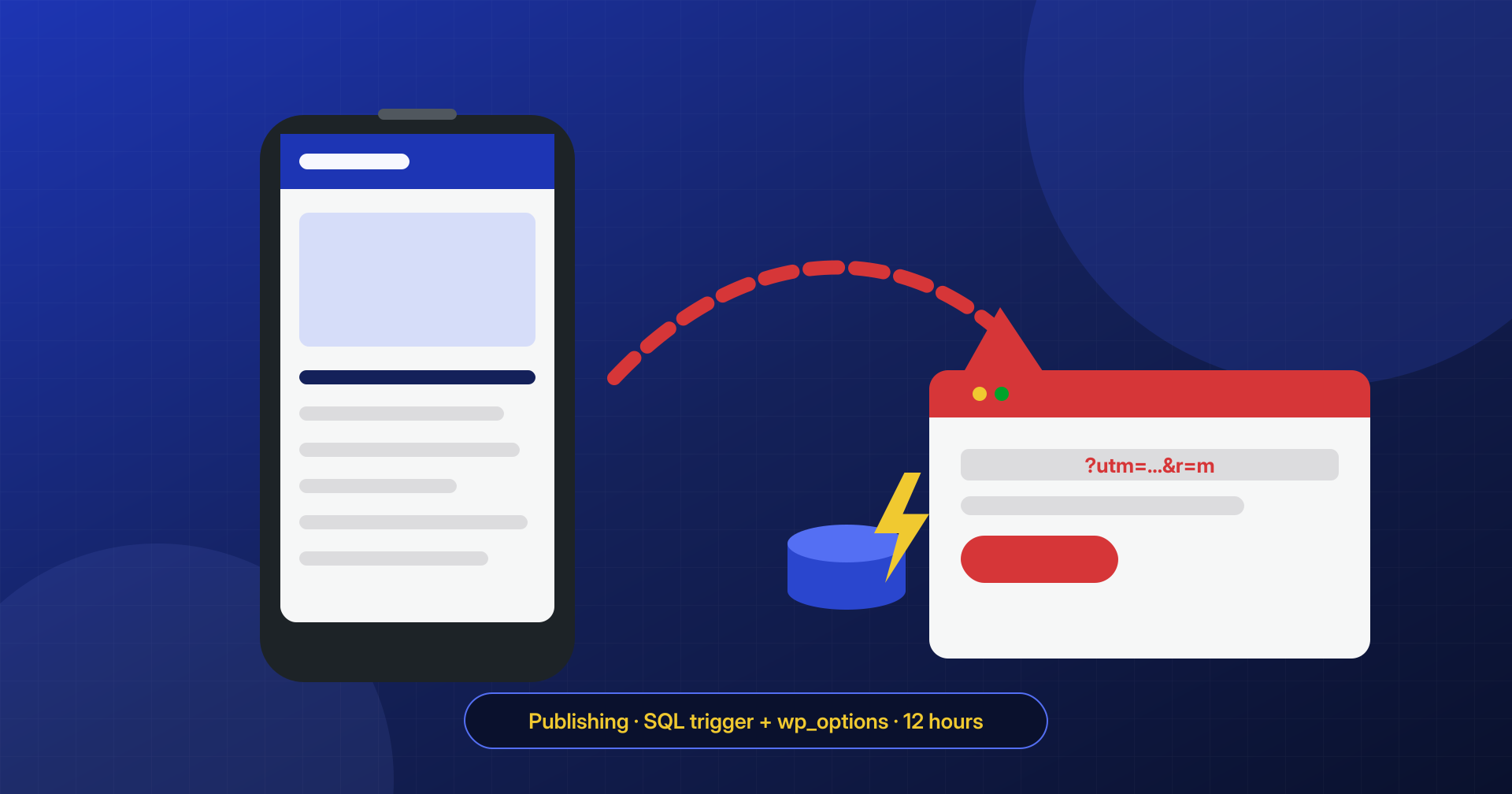
The redirect was selective: it only fired for visitors arriving from a search engine, on a mobile device, without being logged in to WordPress, and only once per visitor, thanks to a cookie. It was a deliberate design, meant to stay hidden from precisely the people who run the site.
The redirect’s JavaScript was not in the files. It was stored, obfuscated, in a wp_options option with a generic name and autoload enabled, and it was printed on the pages by a few lines added to a file of a social sharing plugin. Those lines, on their own, looked harmless: they read an option and displayed it in the footer.
Many articles also contained an extra script at the end of the text. The newsroom, once alerted, had already fixed some of them by hand, but the script reappeared as soon as the article was saved again.
What we found at the system level
The script reappearing in the articles had nothing to do with PHP. The database contained two triggers, BEFORE INSERT and BEFORE UPDATE on the posts table, which appended the script to the content on every save. A third trigger, on the comments table, created a new administrator whenever a comment containing a certain string arrived: a way back in that required no file on the server.
The site’s database user had all privileges, including the one to create triggers. By analyzing the server’s virtual hosts we found the likely origin: an old test copy of the site, forgotten in a subfolder and reachable from the internet, with plugins that had not been updated in years and the same database credentials as the production site. The access logs showed targeted requests to a vulnerable plugin in that copy, a few weeks before the triggers appeared.
How we removed it
- Saved the evidence: trigger definitions, the option’s content, modified files, relevant logs.
- Deleted the three triggers and verified there were no scheduled procedures or events.
- Removed the code from the sharing plugin, replacing it with the original version, and deleted the option holding the payload.
- Cleaned all the articles with a targeted database search extended to metadata and comments, and verified that saving again did not reintroduce the script.
- Deleted two unauthorized administrators created by the comments trigger.
- Took the test copy offline and changed all credentials, starting with those of the shared database.
Hardening
The site’s database user now has only the privileges WordPress needs, with no ability to create triggers, procedures or events. Every test environment has its own database with different credentials and is protected by authentication. We also set up a periodic check that flags the appearance of triggers or suspicious options in the database.
The result
The site was cleaned within the agreed 12 hours. Tests from mobile devices, simulating arrival from a search engine and with no cookie, no longer showed any redirects, and articles saved after the intervention stayed clean. The newsroom received guidance on how to recognize similar signs early in reader reports.