Removing malware without knowing how it got in is like changing the lock and leaving the window open. The site is clean again, but the entry point is still there, waiting for the next automated attempt. To really close an infection you have to reconstruct the attack vector, and the main source for that is the server logs.
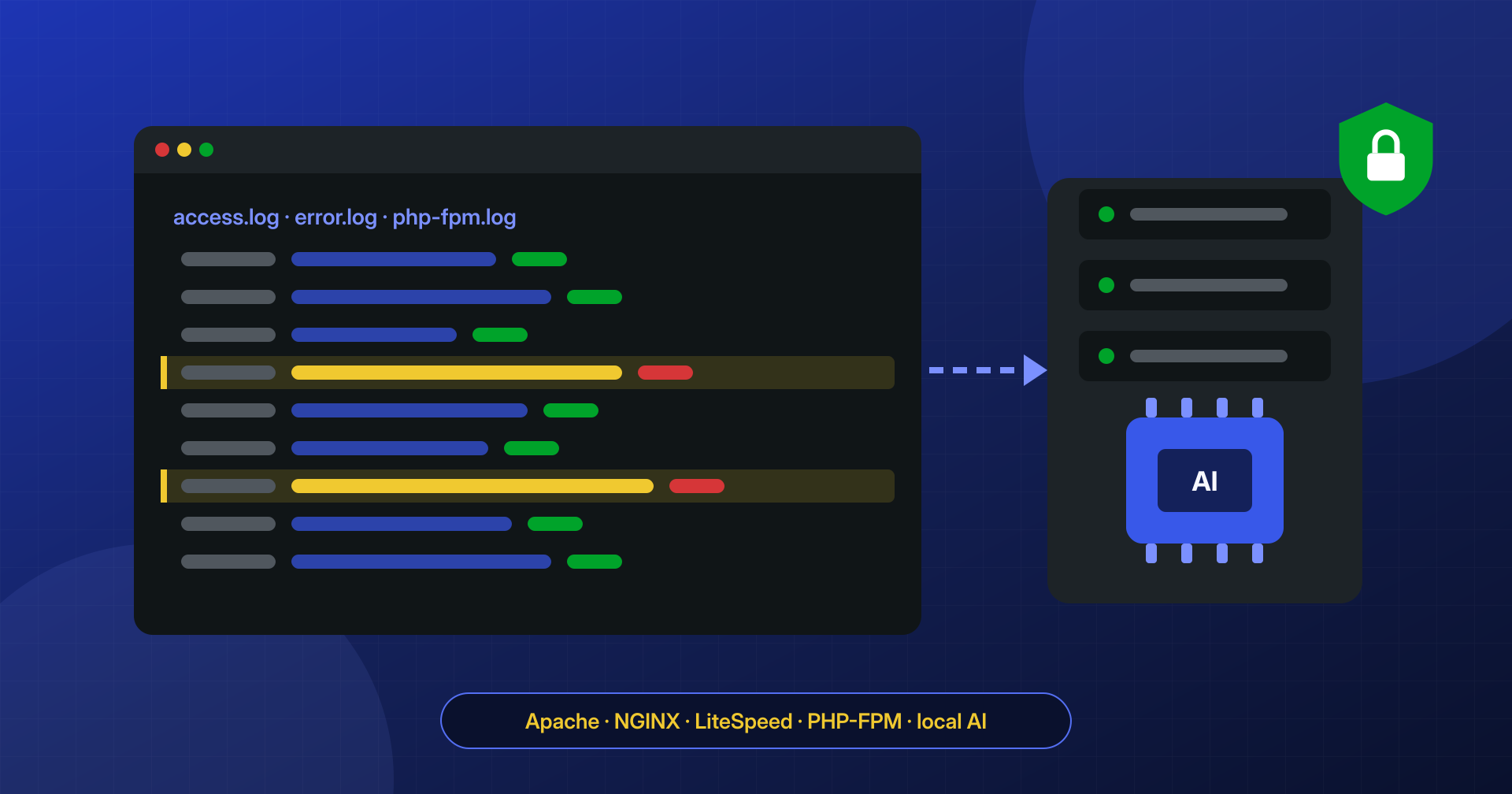
In this article we look at which logs you need, how to read an attack inside millions of lines, and how we use open artificial intelligence models, such as Qwen and DeepSeek, run on our own servers, to sort what traditional rules do not recognize. With one premise: AI helps analysts, it does not replace them.
Which logs you need
Each layer of the server records part of the story, and no single log is enough:
- web server access logs: every HTTP request with address, date, method, path, response code, size, referer, and user agent. They are found in
/var/log/apache2/or/var/log/httpd/for Apache, in/var/log/nginx/for NGINX, and, for LiteSpeed and OpenLiteSpeed, usually in/usr/local/lsws/logs/or in the individual virtual host’s log folder. On hosting control panels each domain often has its own file; - web server error logs: blocked requests, missing files, configuration errors, and often PHP warnings;
- PHP-FPM logs: the process manager’s error log and, if enabled, the slow log, which for slow requests records the stack of PHP functions being executed. The latter is valuable because it shows which file and which function was running, something the access log does not tell you;
- system logs: SSH and SFTP logins, cron executions, and any firewall and hosting panel logs.
One limitation to keep in mind: the standard log format does not record the body of POST requests. You can see that someone sent data to a certain address, but not what data. The reconstruction is therefore made of clues to cross-reference, not a complete recording.
Reconstructing the sequence of an attack
The starting point is almost always a malicious file found during the cleanup. Its dates give a first time window: the modification date can easily be forged with touch, while the inode change time (ctime) cannot, and it is usually the most reliable.
stat wp-content/uploads/2026/09/cache.php
# Modify: 2024-01-12 10:14:02   <- probably forged
# Change: 2026-09-14 03:12:47   <- actual time of the write
From there you search the logs for requests around that moment: a POST to a plugin endpoint, a file upload, an admin login from a never-before-seen address. And, right after, the first direct requests to the new file, which confirm that someone is using it.
# POST requests in the half hour around the file write
grep '14/Sep/2026:03:[0-4]' access.log | grep '"POST '

# Who requested PHP files directly inside uploads (should never happen)
grep -E '"(GET|POST) /wp-content/uploads/[^" ]*\.php' access.log

# Same searches on already rotated and compressed logs
zgrep -h '"POST ' access.log.*.gz | awk '{print $1, $4, $7, $9}'
Sometimes the sequence is linear: a request to a vulnerable plugin, the file appears, the backdoor is used. More often it is fragmented: the vulnerability was exploited weeks earlier from one address, the backdoor is used today from another, and in between there are thousands of automated scanner requests trying everything on every site. Separating noise from signal is the longest part of the job.
Where rules are not enough
For the repetitive part we use deterministic rules: lists of paths exploited by known vulnerabilities, signatures of common scanning tools, and typical parameters of SQL injection and file inclusion attacks. These rules quickly discard most of the generic malicious traffic, which an exposed WordPress site always gets.
What remains are the requests that match nothing known: unusual parameters sent to a rarely used endpoint, sequences of calls that only make sense when read together, purpose-built user agents, PHP errors that appear only once. This is where both new variants of known attacks and possible zero-days hide, that is, vulnerabilities not yet public and for which no rule exists yet.
How we use local models
On this unclassified part we use open-weight language models, such as those from the Qwen and DeepSeek families, run on our own hardware. In our process they perform a few specific tasks:
- grouping and summarizing: thousands of similar but not identical lines are reduced to a few groups, each with a description of what they appear to do;
- proposing hypotheses: for a group of anomalous requests the model suggests what type of attack it might be and which component seems to be targeted, pointing to the lines the hypothesis is based on;
- explaining code: the deobfuscated PHP code of a backdoor is described in natural language, with dangerous functions and external addresses highlighted;
- correlating different sources: an error in the PHP-FPM log, a request in the access log, and a file’s date are lined up into a possible sequence.
Every model output is a hypothesis to verify, not a conclusion. Language models can be wrong with great confidence, invent a link that does not exist, or overlook an important line. This is why an analyst checks every hypothesis against the original evidence: reproduces the request in an isolated environment, verifies the code of the plugin involved, compares the dates. The advantage of AI is getting the analyst to the right lines sooner, not deciding in their place. When a hypothesis leads to a real, not yet known vulnerability, we report it responsibly to the component’s developer.
Why locally
A site’s logs contain personal data: IP addresses, sometimes email addresses or names in request parameters, session cookies, and paths that reveal user activity. Sending them to a cloud AI service means transferring that data to a third party, with all the consequences under the GDPR and with the real risk of exposing sensitive information about the client and its users.
Running the models on our own servers solves the problem at the root: the logs never leave our infrastructure, are not used to train anyone else’s models, and remain under our control for the duration of the analysis, after which they are deleted according to the agreement with the client. Before the analysis, where possible, we also pseudonymize any data not needed for the investigation. Open models have another advantage too: we know exactly which version we are using, and its behavior does not change from one day to the next because of an outside vendor’s decision.
What to keep, even before an attack
Reconstruction is only possible if the logs exist. Many hosts keep access logs for only a few days, and an infection discovered after a month leaves no trace of when it happened. A few settings make a big difference:
- keep access and error logs for at least a few months, compressed, in a location the site user cannot modify;
- enable the PHP-FPM slow log, with a reasonable threshold;
- synchronize the server clock and use the same time zone in all logs, so they can be cross-referenced;
- record SSH and SFTP logins and changes to the most sensitive files.
When we work on an infected site, log analysis is part of the job: the cleanup ends with the most likely attack vector and the measures to close it. If you want to know how the malware got into your site, let’s talk.
