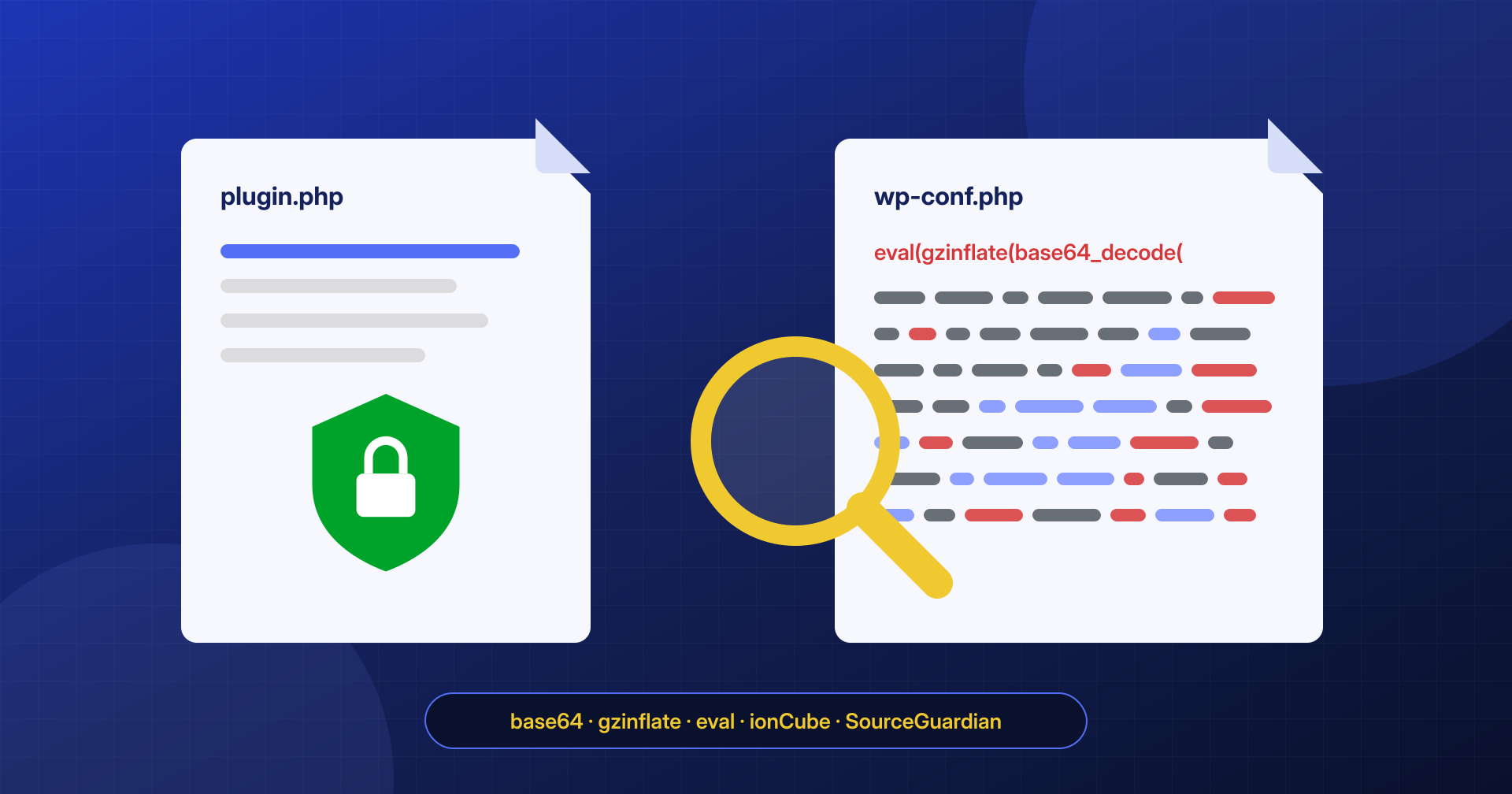
Opening a PHP file and finding a long, unreadable string alarms anyone. Sometimes it is exactly what it looks like: a backdoor obfuscated so it won’t be recognized. Other times it is a commercial plugin protected with an encryption tool such as ionCube or SourceGuardian, perfectly legitimate and fully paid for. Deleting the second breaks the site; leaving the first leaves it infected.
In this article we look at the most common obfuscation techniques in PHP malware, what legitimately encrypted files look like, and which criteria to use to tell them apart. We also explain why many scanners can’t give a reliable answer on exactly these files.
Why malware is obfuscated
Obfuscation has two goals: to keep a human from understanding at a glance what the code does, and to keep a scanner from recognizing it by comparing it against a list of known signatures. The code’s behavior doesn’t change; only the way it is written does. And because the same malware can be obfuscated in endless different ways, every variant has a new form that no existing signature describes.
Decoding chains
The most common technique is to wrap the real code in an encoded string and decode it at run time, often in several chained steps:
<?php
eval(gzinflate(base64_decode('7b1pc9tItjD8eSb/Q9mtHssXq5r...')));

// Variants with extra steps
eval(str_rot13(gzinflate(str_rot13(base64_decode('...')))));
eval(gzuncompress(strrev(base64_decode('...'))));
base64_decode turns text into binary data, gzinflate and gzuncompress decompress it, str_rot13 and strrev add one more transformation, and finally eval runs the result as PHP code. Often the result of the first decoding is itself a similar chain, dozens of levels deep.
Variable functions and dynamic construction
Since many scanners look for words like eval or base64_decode, the more polished variants avoid writing them. PHP lets you call a function whose name is held in a variable, and build that name one piece at a time:
<?php
$a = 'bas' . 'e64_' . 'decode';
$b = "\x67\x7a\x69\x6e\x66\x6c\x61\x74\x65"; // "gzinflate" in hexadecimal
$c = $b($a($_POST['d']));
@array_map('assert', array($c)); // assert as eval, only on PHP 7 and earlier

// Execution through a callback, without the word eval
call_user_func($GLOBALS['f'], $_COOKIE['k']);
You will also find preg_replace with the /e modifier (removed in PHP 7), create_function (removed in PHP 8), files included with harmless-looking extensions such as .ico or .png, and code that receives its instructions directly from the request, through a POST parameter or a cookie, so that the file on disk contains only the “executor”, with no recognizable payload.
How to decode without executing
The main rule is never to run a suspicious file to see what it does, and not even to replace eval with echo in a production environment: a single missed step is enough to make the code run. Decoding is done on a copy of the file, in an isolated environment with no network, applying one step at a time with a separate script that only transforms strings. At each level you look at the result and decide the next step. The final plain-text code is what matters: it tells you what the backdoor does, which addresses it connects to and, often, which other files it has created.
Legitimately encrypted files: ionCube, SourceGuardian, Zend Guard
Some commercial software vendors protect their code with tools that compile it into a format that only a server extension, the so-called loader, can execute. The file remains a PHP file, but its content is mostly encoded binary data, preceded by a recognizable header:
- ionCube: the file starts with a comment and a check for the extension, along the lines of
if(!extension_loaded('ionCube Loader')), with a message explaining how to install the loader; it needs the ionCube Loader extension enabled to work; - SourceGuardian: the file contains a call to the
sg_load()function with the encrypted data and a similar check for the loader; - Zend Guard (Zend Encoder in older versions): the file starts with an
@Zend;header, but Zend Guard is no longer developed and its loader exists only up to PHP 5.6. On a server running PHP 7 or 8 a file of this kind cannot be executed: if it is there, it is either a leftover from old software or something imitating that header.
# Which loaders are installed on the server
php -m | grep -iE 'ioncube|sourceguardian|zend guard'

# Files that require a loader
grep -rlE "ionCube Loader|sg_load\(|^<\?php @Zend;" wp-content/
In the WordPress ecosystem these files are found mostly in commercial plugins and themes sold outside the official directory. The WordPress.org directory guidelines do not allow obfuscated code: a plugin downloaded from WordPress.org that contains encrypted files is therefore an anomaly in itself.
Telling a licensed plugin from malware
No single criterion is decisive, but together they give a reliable answer:
- Origin: does the file belong to a commercial plugin or theme that the customer actually bought? Does the original package downloaded from the vendor’s customer area contain the same file, with the same content? A checksum comparison settles most doubts.
- Location and name: an ionCube-encrypted file inside the folder of a plugin that declares it is normal; the same file in
wp-content/uploads/2024/03/or named like a core file is not. - Consistency with the server: a file that requires a loader that isn’t installed does not run. If the site works and the loader isn’t there, that file is not part of how the site works.
- Header and structure: malware sometimes imitates the header of a commercial encoder and then, a few lines below, contains an ordinary
eval(base64_decode(…))chain. A genuinely encrypted file has no plain-text PHP code after the header. - Integrity of everything else: for the core and for WordPress.org plugins,
wp core verify-checksumsandwp plugin verify-checksums --allflag every file modified or added compared to the official version.
Why signature-based scanners miss them
A signature-based scanner compares files against a list of already known malware patterns. It works well against widespread, repetitive infections, but it has two structural limits. The first is that every new obfuscated variant is different from all the previous ones, and until someone analyzes it and adds its signature, the scanner does not recognize it. The second concerns encrypted files specifically: their content is binary and cannot be read without the loader, so there are no strings to apply signatures to. Flagging every encrypted file as suspicious would produce an enormous number of false positives on commercial plugins, so many scanners choose to ignore them. That is a reasonable trade-off for an automated tool, but it leaves a blind spot that an attack can exploit.
Our analysis system tackles the problem from several directions: besides signatures, it measures the entropy and structure of files to spot encoded content, recognizes encoder headers and checks them against the loaders present and the original packages, and flags files whose location, date or owner is inconsistent with the rest of the installation. A person looks at the doubtful cases. If you have found unreadable files on your site and don’t know whether to trust them, write to us: it is a question that can be answered with certainty, without deleting anything blindly.
