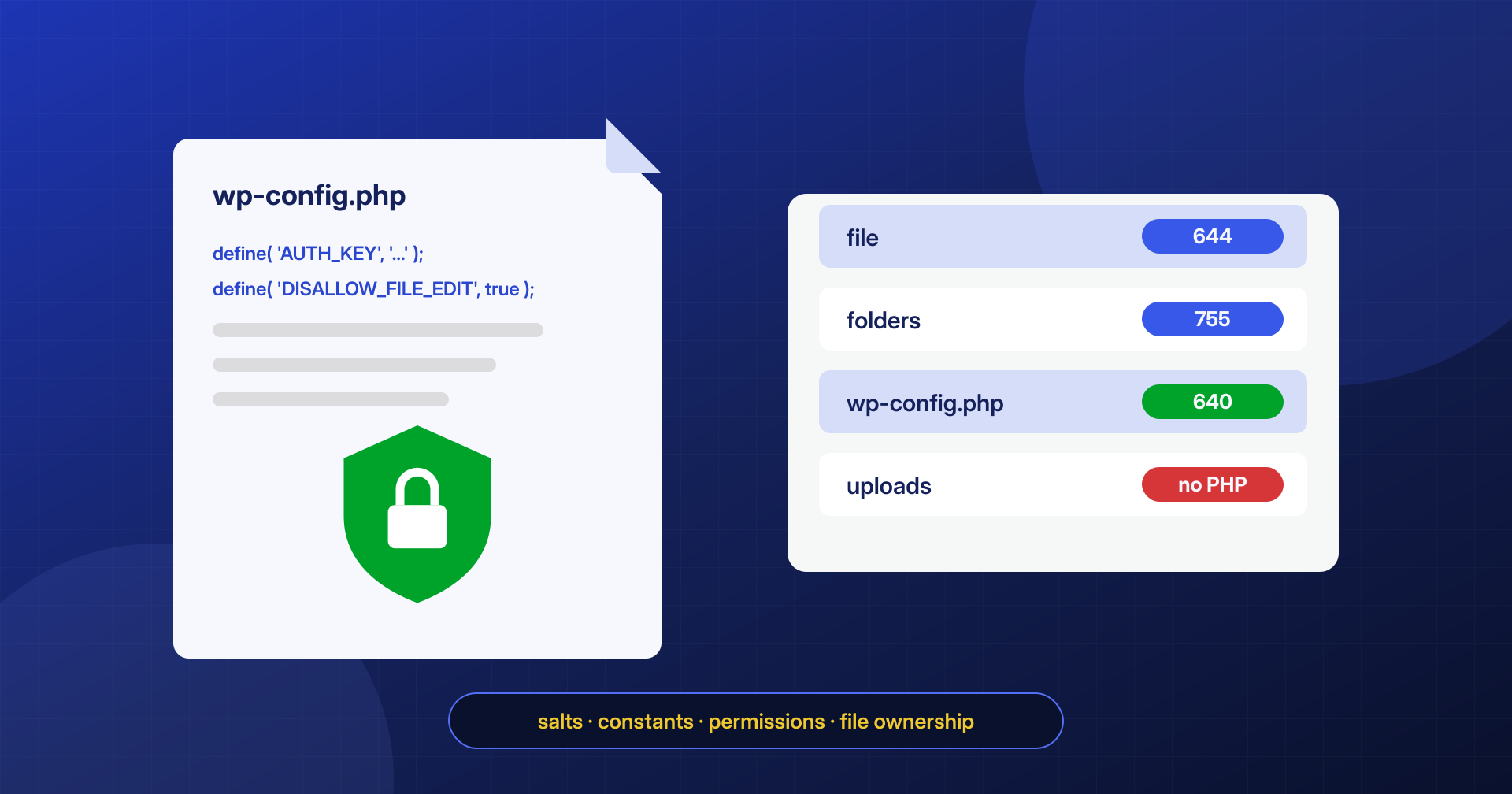
The wp-config.php file holds the database credentials, the keys that protect login cookies, and the settings that decide what WordPress can do. After a cleanup it is one of the first files to check and harden, along with the permissions of the rest of the installation.
Check that it is clean
Malware often modifies wp-config.php because it is loaded on every request. Typical changes are an include of a file with a strange name at the top of the file, a very long line far off the edge of the screen, or obfuscated code between the constants. Comparing it with wp-config-sample.php helps you see which lines are standard. Also check the .user.ini and php.ini files in the site folder, which can use the auto_prepend_file directive to run a file before any other.
Keys and salts
The eight key and salt constants, from AUTH_KEY to NONCE_SALT, are used to sign login cookies. If the attacker has read wp-config.php, they can in theory forge valid cookies without knowing any password. After every compromise they should therefore be regenerated:
wp config shuffle-saltsThe side effect is intentional: all users are logged out and have to sign in again. Along with the salts, change the database password, because that was in the file too.
Useful constants
A few constants reduce what an attacker can do even if they get administrator access:
define( 'DISALLOW_FILE_EDIT', true );   // no theme and plugin editor
define( 'FORCE_SSL_ADMIN', true );      // admin over HTTPS only
define( 'WP_DEBUG', false );
define( 'WP_DEBUG_DISPLAY', false );    // errors never shown to visitors
define( 'WP_AUTO_UPDATE_CORE', 'minor' );
DISALLOW_FILE_EDIT removes the file editor from the admin area, one of the quickest ways to turn a stolen login into a backdoor. There is also DISALLOW_FILE_MODS, which prevents installing and updating plugins and themes from the dashboard: it is more restrictive and only makes sense if updates are handled some other way, otherwise the site falls behind on security fixes.
File permissions and ownership
The common starting point is 644 for files and 755 for directories, with wp-config.php more restrictive, for example 640 or 600, depending on how the web server and PHP access the files:
find . -type d -exec chmod 755 {} \;
find . -type f -exec chmod 644 {} \;
chmod 640 wp-config.php
Even more than permissions, ownership matters. If the site files belong to the same user PHP runs as, any code executed by PHP, including that of a vulnerable plugin, can modify every file, core included. A more robust setup separates the two roles: the files belong to a deploy user, and PHP can write only where it needs to, that is, in the uploads and cache folders. The price is that updates from the dashboard need an extra step, for example WP-CLI or a deployment system. On many shared hosting plans this separation is not available, and then the other measures matter even more.
The rest of the hardening
wp-config.php is one piece. The full picture includes blocking PHP execution in uploads, a database user with only the privileges it needs, two-factor authentication for administrators, regular updates, and monitoring of file changes. None of these measures makes a site invulnerable, but together they make an attack much harder and a reinfection much more visible.
