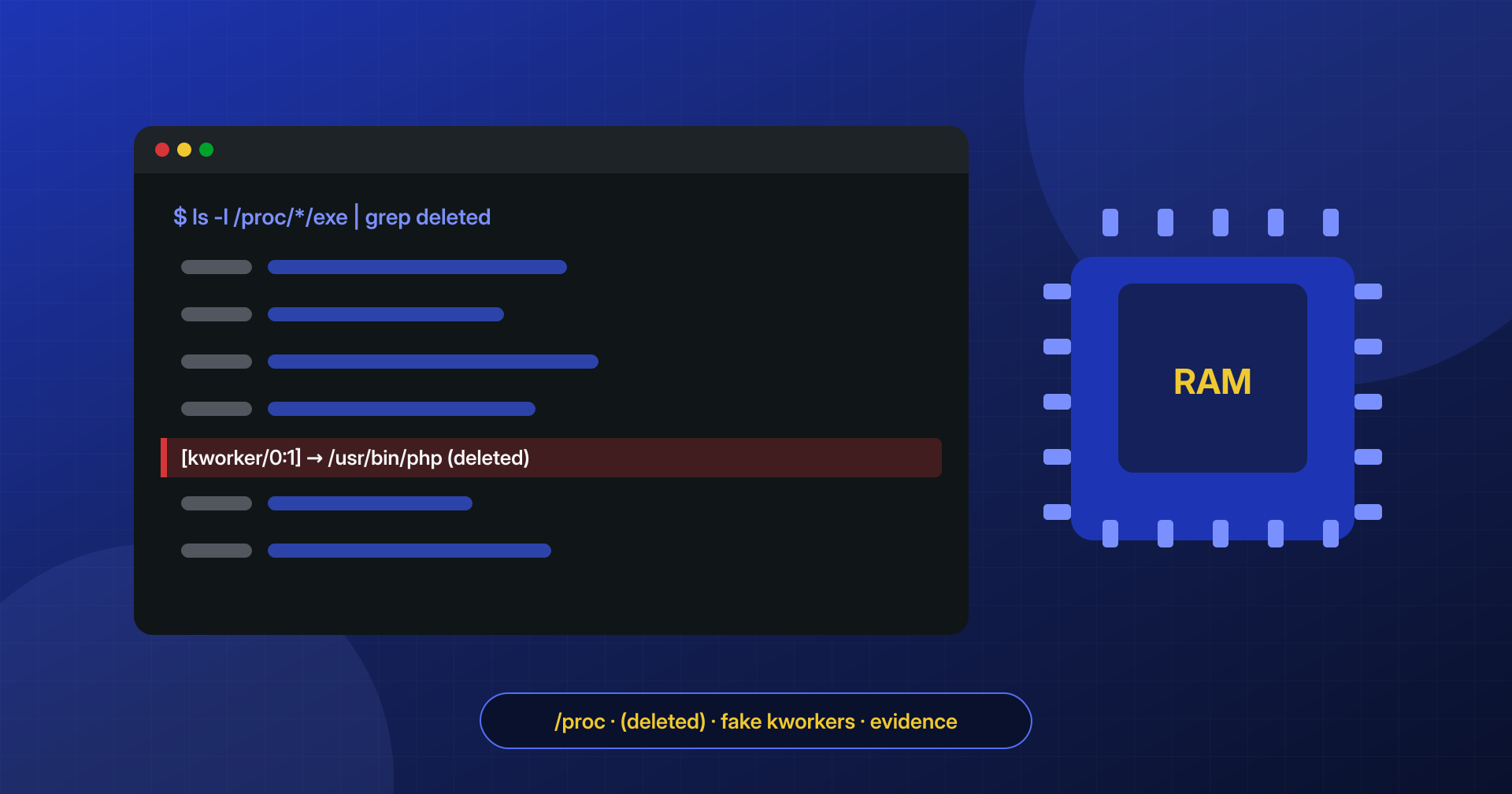
You delete every malicious file, check that none are left, and ten minutes later one of them is back. There is no cron entry and no WP-Cron event. In cases like this the answer is often a process that was already running, started before the cleanup and still alive in memory even though the file it came from no longer exists.
Why a process outlives its file
On Linux, a running program does not need its file to stay on disk: once started, the system keeps the contents available until the process exits. Attackers exploit this by launching a PHP script in the background, for example with nohup php /tmp/.x.php &, and deleting it right away. The process keeps running with no file to find, and it can recreate backdoors at regular intervals, listen on a port, or send spam.
To avoid standing out in the process list, the script often renames itself with cli_set_process_title(), a PHP function, or is started under a fake name. A popular choice is the name of a kernel thread, such as [kworker/0:1], because the ps output already contains dozens of similar entries.
Finding them through /proc
Every process has a directory in /proc with links to its executable, its working directory, and its open files. When the original file has been deleted, the link says so explicitly:
# Deleted executables
ls -l /proc/*/exe 2>/dev/null | grep deleted

# Deleted open files (for example the PHP script)
ls -l /proc/*/fd 2>/dev/null | grep -B1 deleted

# Details of a suspicious process
ps -o pid,ppid,user,lstart,cmd -p 12345
tr '\0' ' ' < /proc/12345/cmdline; echo
ls -l /proc/12345/exe /proc/12345/cwd
A fake kernel thread is easy to spot: real threads have kthreadd (PID 2) as their parent, have no associated executable, and run as root. A process named [kworker/0:1] that runs as the site user, has a PHP process as its parent, and points to the PHP interpreter in /proc/<pid>/exe is not a kernel thread.
Watch out for false positives
Not every process with a “deleted” executable is malicious. When the package manager updates a program, processes that are already running keep using the old version, now deleted, until they are restarted. After a PHP update, for example, PHP-FPM processes can show up in this list for perfectly legitimate reasons. What tells them apart is the user, the parent process, the command line, and the start time.
Save the evidence before killing it
The contents of a deleted process exist only in memory: if you terminate it, they are gone for good. Recover them first, along with the open network connections:
mkdir -p /root/evidenze/12345
cp /proc/12345/exe /root/evidenze/12345/exe
cp /proc/12345/fd/3 /root/evidenze/12345/script.php   # check ls -l to find the right descriptor
ss -tnp | grep 'pid=12345'
The recovered script shows what the process was doing, which files it recreated, and which servers it talked to. Only then do you terminate it with kill and check that it does not come back.
Who started it
A process in memory does not appear on its own. You need to find the mechanism that launched it the first time and might launch it again: a web shell, an @reboot entry in the crontab, a systemd user service. Without this step, the next server reboot can bring everything back as it was.
