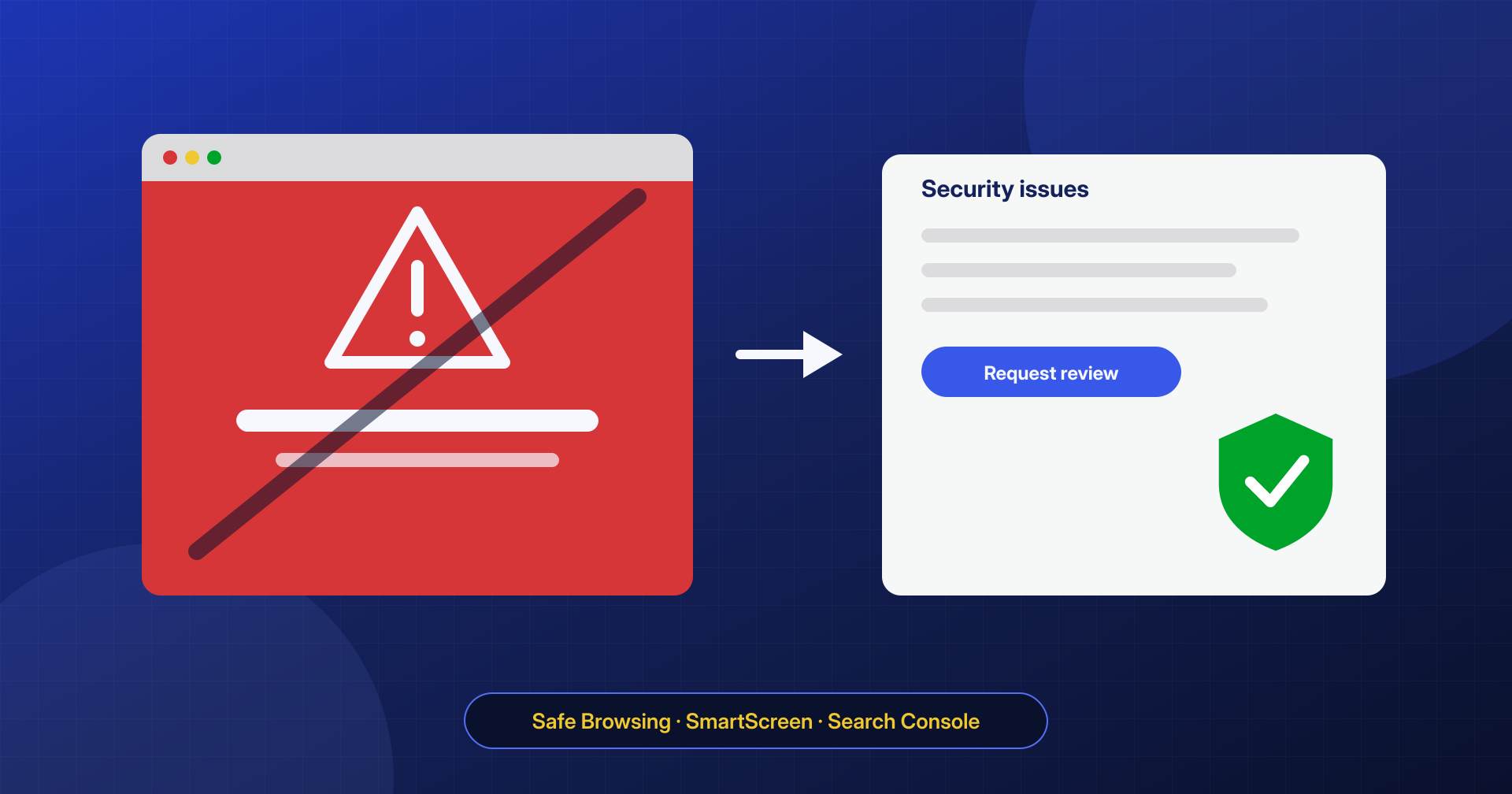
A red screen in the browser before visitors reach your site, a warning label in search results, emails landing in spam: when an infected site is added to a blacklist, the damage is immediately visible. Cleanup is the first step, but then you have to get the site removed from the lists, and every list has its own rules and timelines.
Which blacklists matter
The most important ones for a website are:
- Google Safe Browsing, used by Chrome, Firefox and Safari to show deceptive-site and malware warnings; you can check a domain’s status on the Site status page of the Google Transparency Report;
- Microsoft Defender SmartScreen, used by Edge and Windows;
- antivirus engines and web filters, which you can see in bulk by scanning the address on services such as VirusTotal;
- email blacklists, which rate the domain and the IP addresses emails are sent from, and which matter if the site has also sent spam.
The review in Search Console
For Google, the process goes through Search Console. If Google has detected a problem, the Security issues report describes it, with the category (for example malware, social engineering or spam) and a few sample URLs. Those samples are valuable: they show where Google saw the problem, but they are not a complete list of everything that needs to be cleaned.
Once the cleanup is complete, you submit the review request from the same report. In the request, it helps to describe concretely what you found and what you did: which files and content were removed, how the attacker got in and how that access was closed. Review times depend on the type of issue and are decided by Google: they can range from about a day to several weeks.
Don’t request a review too early
The temptation to request a review right away is strong, but a request sent while the site is still infected gets rejected, and the lost time adds to the time of the new request. Google also treats sites that repeatedly show problems after being cleaned more strictly: for these there may be a waiting period before you can request another review. An incomplete cleanup followed by a reinfection is therefore the longest possible path.
Before sending the request, check that:
- all the sample URLs listed in Search Console respond normally or with an error, without malicious content;
- the site is clean for mobile visitors and crawlers too, not just from the administrator’s computer;
- there are no unknown owners in Search Console and no stray verification files;
- the persistence has been eliminated, so the problem doesn’t come back during the review.
The other blacklists
For SmartScreen, Microsoft provides a form to report a site that was blocked by mistake or has been cleaned. For antivirus engines and web filters, each vendor has its own procedure for reporting a false positive or a cleaned site, and many update their rating automatically after new scans. For email, besides the removal request where one is offered, what counts is a correct SPF, DKIM and DMARC configuration, which helps receiving servers trust the domain again.
Realistic timelines
Anyone who promises removal from a blacklist within a fixed time is promising something they don’t control: the final decision always belongs to whoever runs the list. What can be guaranteed is a complete cleanup, a well-documented request and no reinfections during the review. In our case study of the site blocked by Safe Browsing we describe how this process works in practice.
