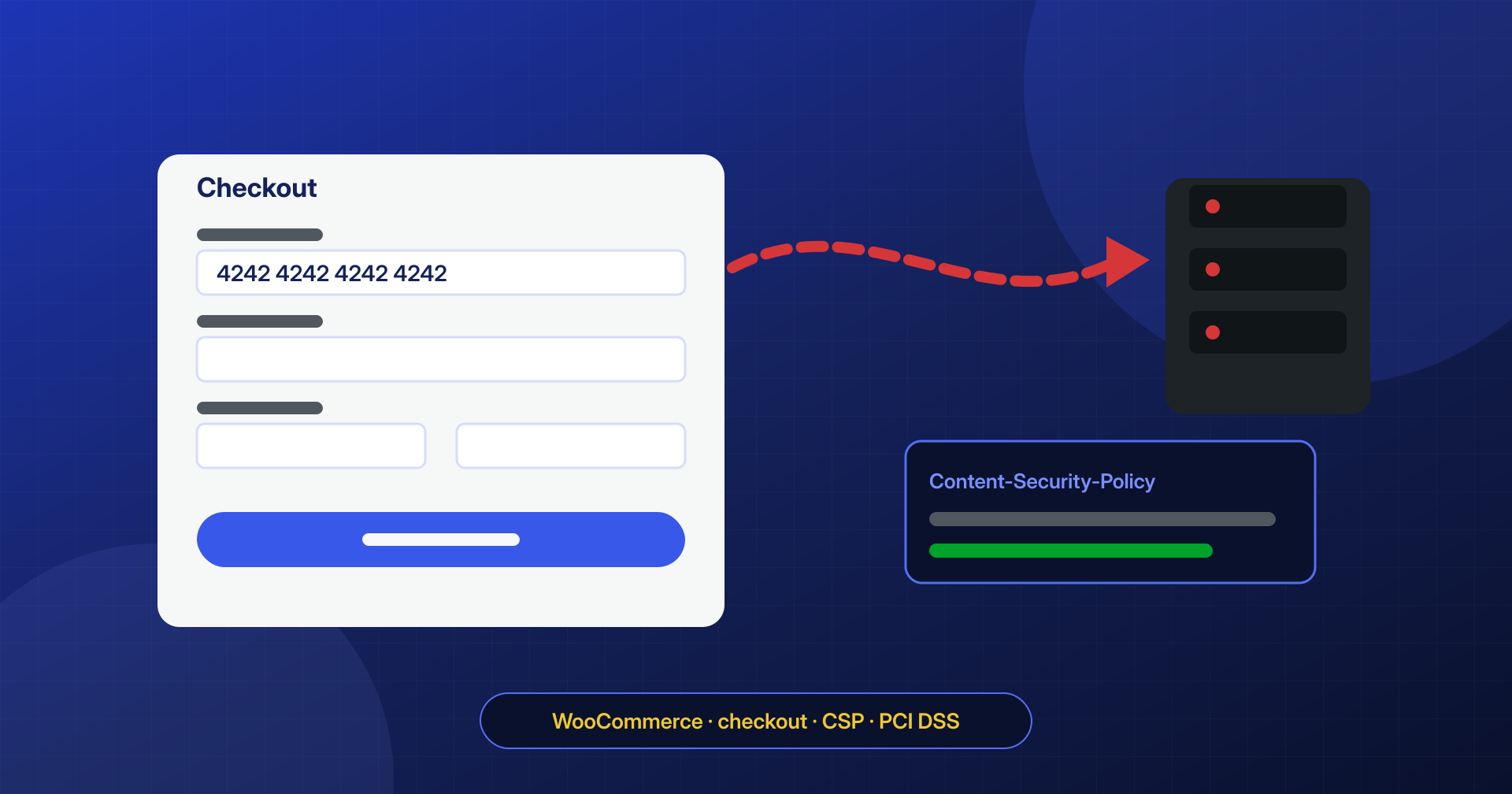
A skimmer is a small script that steals payment card data while the customer types it into the checkout form. The store keeps working, orders keep arriving, payments go through. The only sign, often weeks later, is customers reporting charges they don’t recognize. For a WooCommerce store it is one of the most serious infections, both for the harm to customers and for the consequences with the payment provider.
How a skimmer works
The script is added to the store’s pages and stays dormant until the visitor reaches the checkout. There it hooks into the form fields or the order submission, reads the card number, expiry date, security code, and billing details, and sends them to a server controlled by the attacker. The data leaves in inconspicuous ways: a request to a domain that imitates an analytics service or a well-known library, an invisible image with the data in its URL, a WebSocket connection.
Many payment gateways show the card fields inside an iframe from the provider, which a script on the page cannot read. This is an important protection, but not an absolute one: some skimmers hide the iframe and show a fake form in its place, identical in appearance, or add a bogus extra step that asks for the details again.
Where it hides
A skimmer can sit in many different places, and almost never in just one:
- in theme or plugin files, often at the end of an existing JavaScript file;
- in the database, inside the settings of a plugin that lets you add custom scripts, in a widget, or in a dedicated option;
- in a must-use plugin that prints it only on checkout pages;
- in an external resource loaded by the site, if the provider of that resource has been compromised.
The code is almost always obfuscated and loaded conditionally: only on the cart and payment pages, only for logged-out visitors, sometimes only from certain countries.
How to spot it
The most direct check is to look at the checkout the way a customer sees it. In a private browsing window, logged out, with a product in the cart, open the browser’s developer tools and review the list of network requests. Every domain the payment page contacts must have an explanation: the gateway, the analytics tools the store chose, known libraries. An unknown domain that receives data when you fill in the form is a red flag.
A Content-Security-Policy in report-only mode helps make this check continuous, because your customers’ browsers report every unexpected script or destination:
Content-Security-Policy-Report-Only: script-src 'self' https://js.esempio-gateway.com;
  connect-src 'self' https://api.esempio-gateway.com; report-uri /csp-report
Version 4.0 of the PCI DSS standard explicitly requires merchants to keep an authorized inventory of the scripts on their payment pages and to detect unauthorized changes to them: controls like this one serve that purpose too.
What to do if you find one
Before removing it, save a copy and note the destination domain: this is useful for the analysis and for the payment provider, who must be informed. Then the cleanup has to go beyond the visible script: find out how it was inserted, check every copy of it in files and in the database, remove the persistence, and change all credentials, including the gateway’s API keys. Our case study on the store reinfected every night shows how a removed skimmer can come back within hours if you don’t also search at system level.
