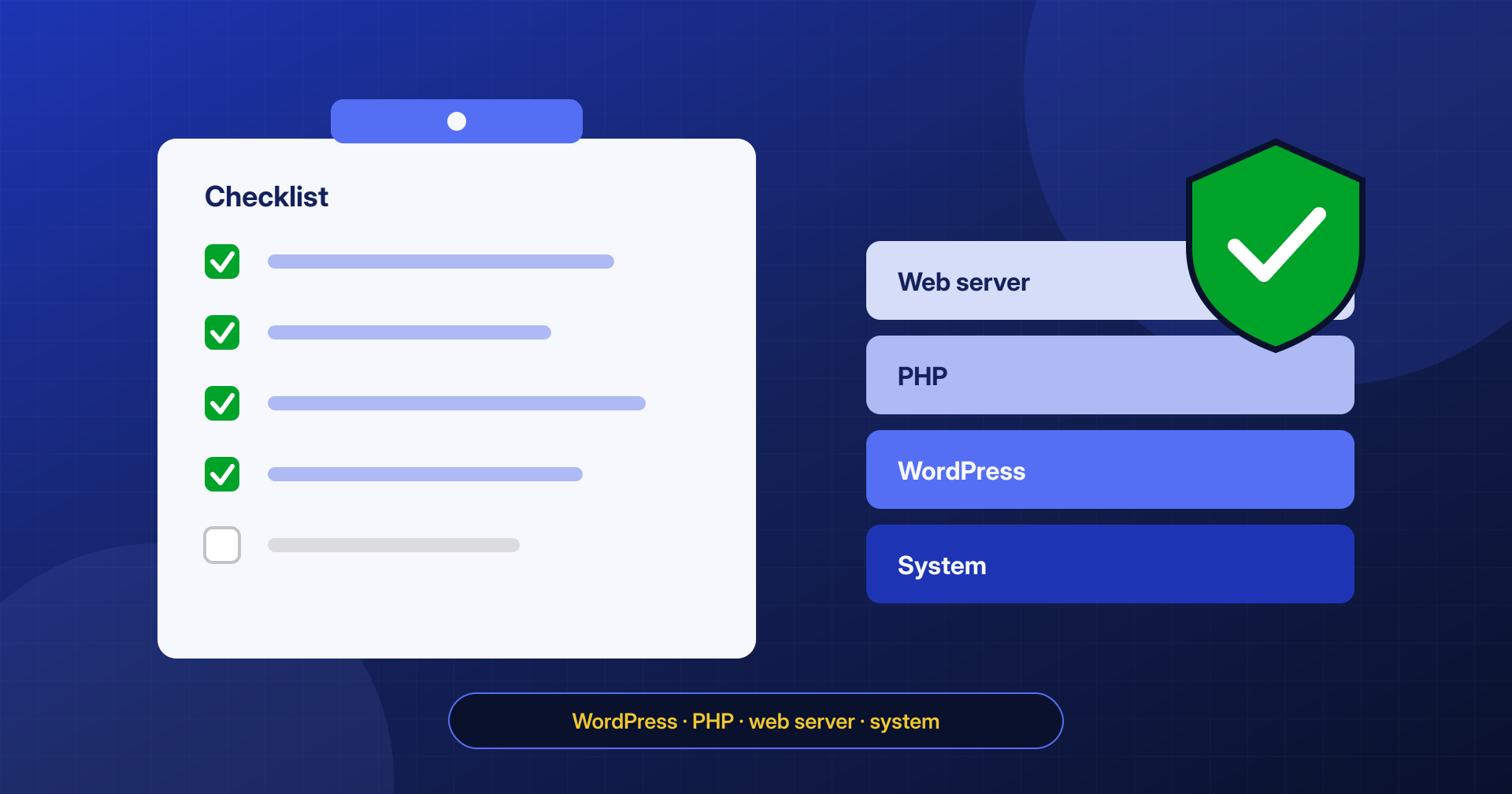
After Cleanup: A Hardening Checklist for WordPress, PHP and the Web Server
Updates, credentials and 2FA, one PHP-FPM pool per site, login limits, off-site backups and monitoring: the hardening checklist to follow after a cleanup.
Read the article
CATEGORY
Updates, credentials and 2FA, one PHP-FPM pool per site, login limits, off-site backups and monitoring: the hardening checklist to follow after a cleanup.
Read the article
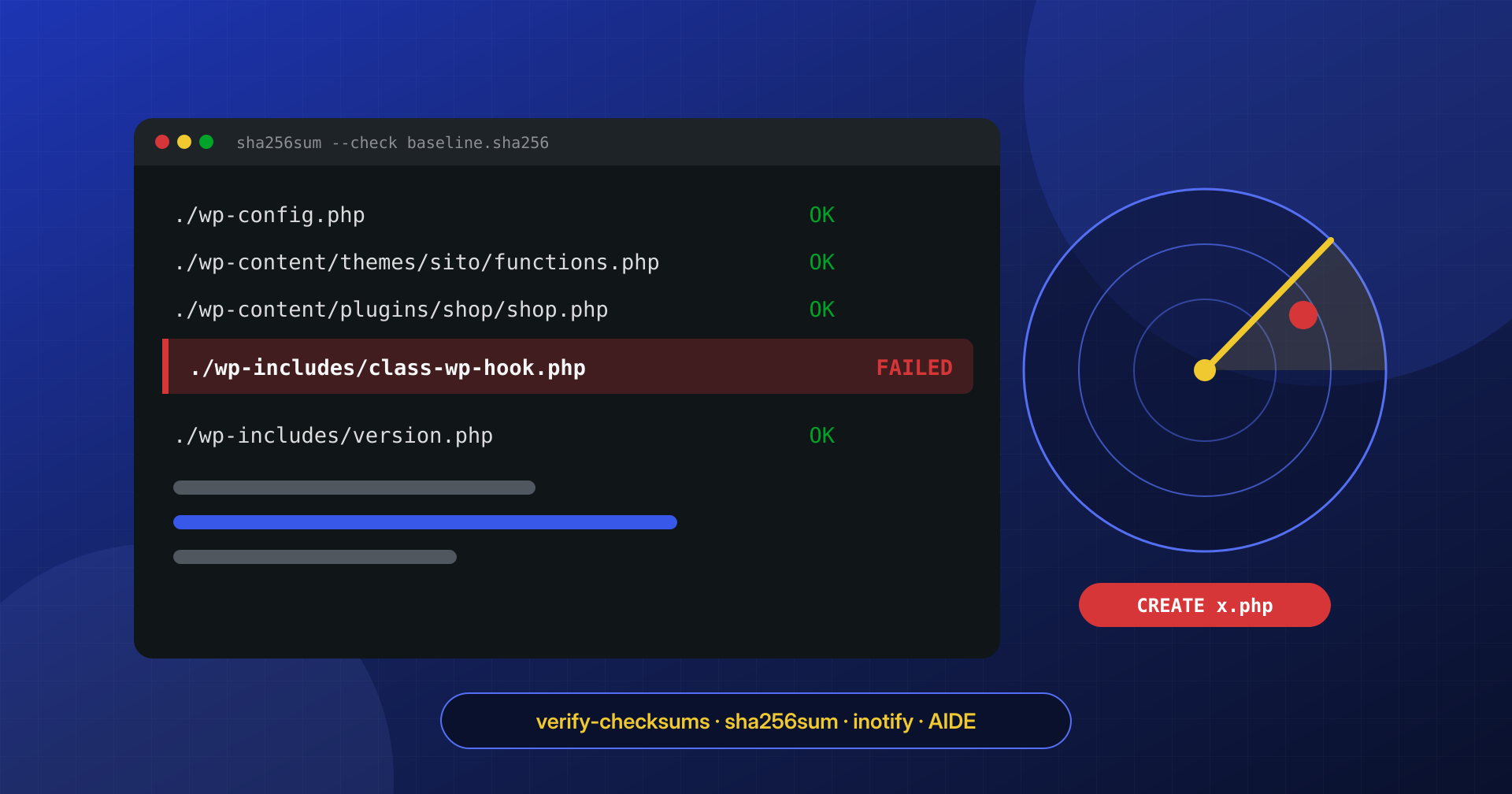
WP-CLI checksums, sha256 manifests, inotify and AIDE: how to spot a modified or newly appeared file on your site right away, without drowning in false alarms.
Read the article
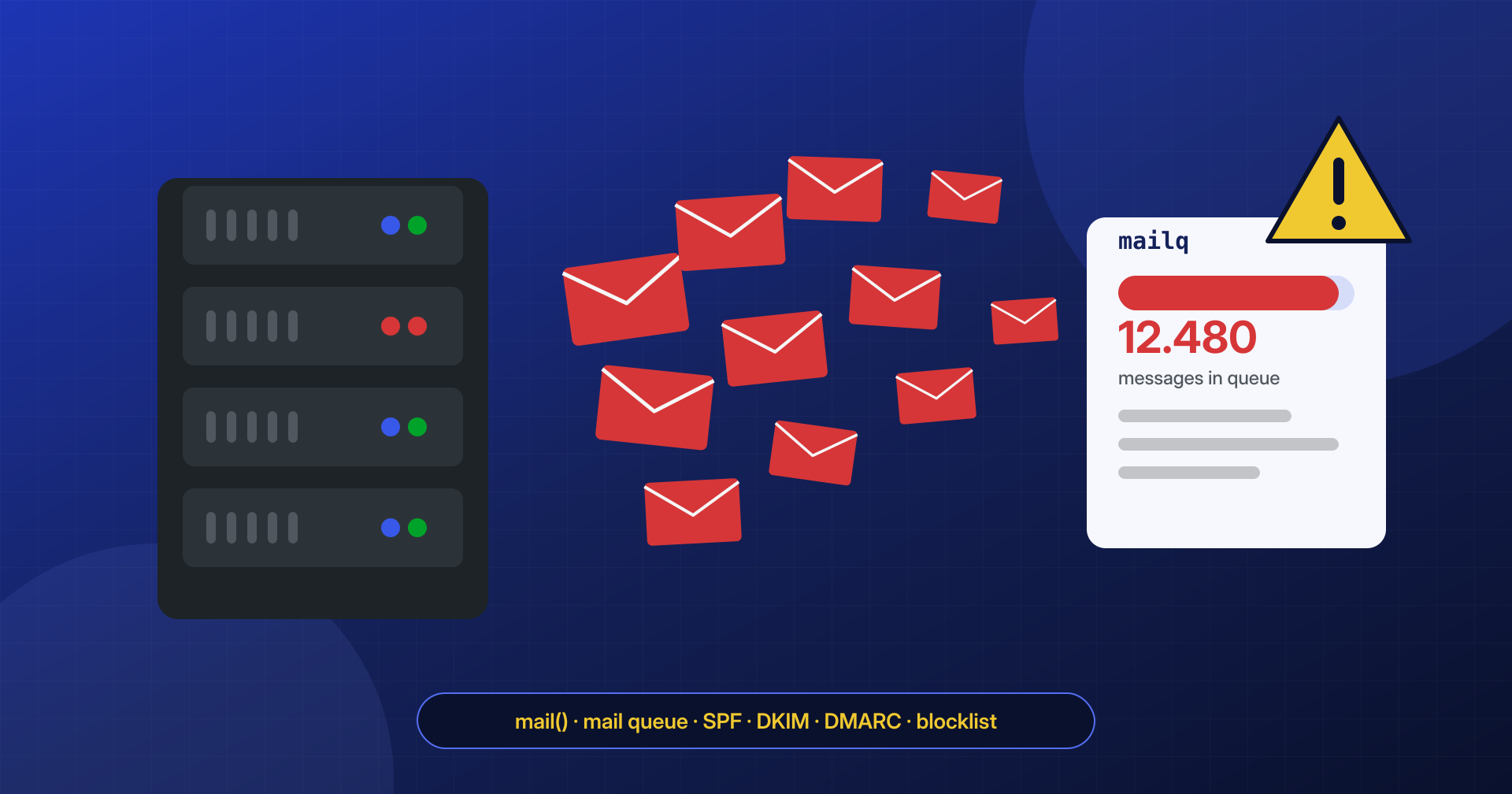
How to recognize a server that is sending spam, find the PHP script responsible, flush Postfix and Exim queues, and recover your domain’s reputation.
Read the article
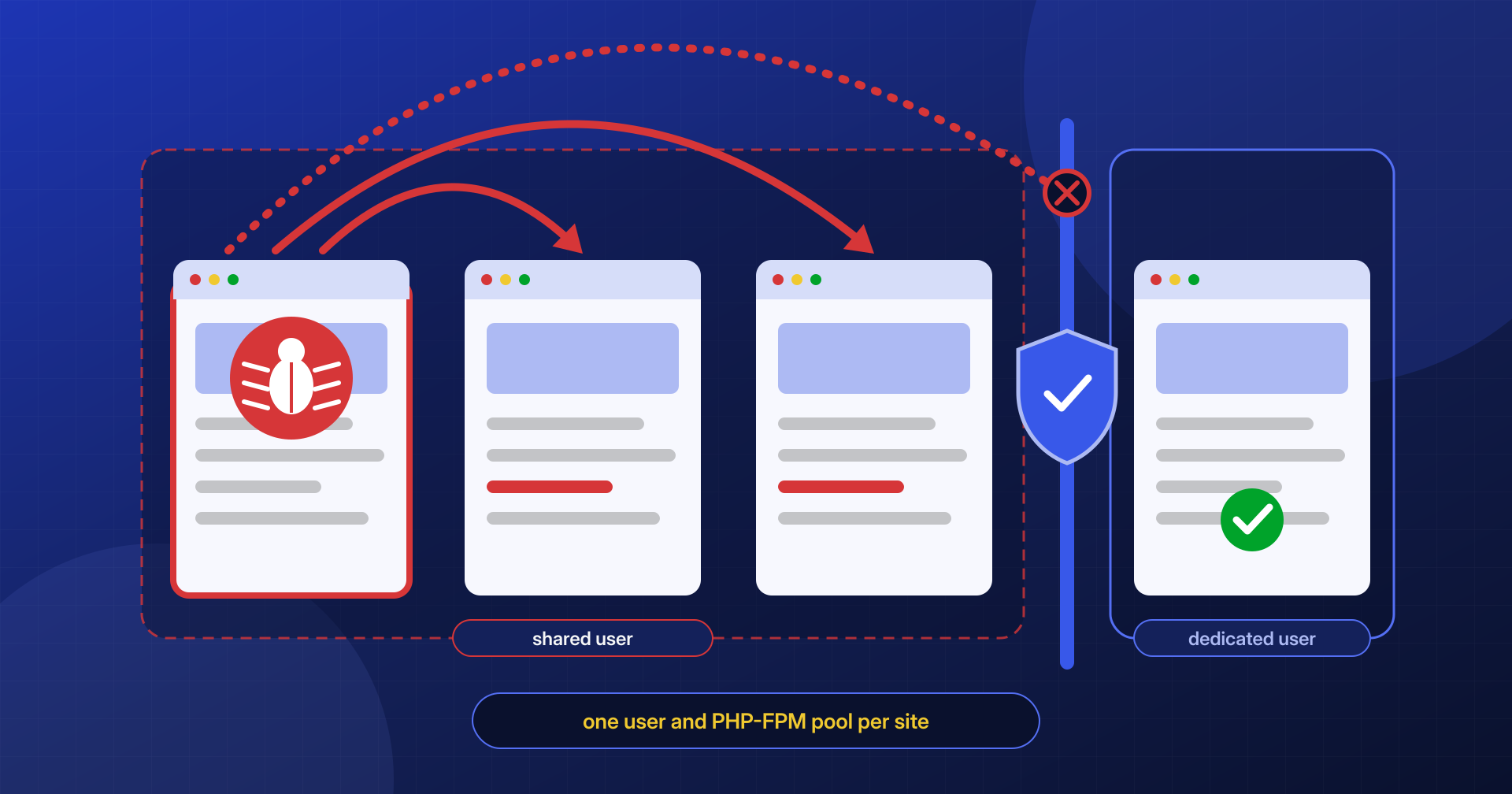
Same system user, shared PHP pools, forgotten staging copies: why one infected site contaminates the others on the account, and how to truly isolate them.
Read the article
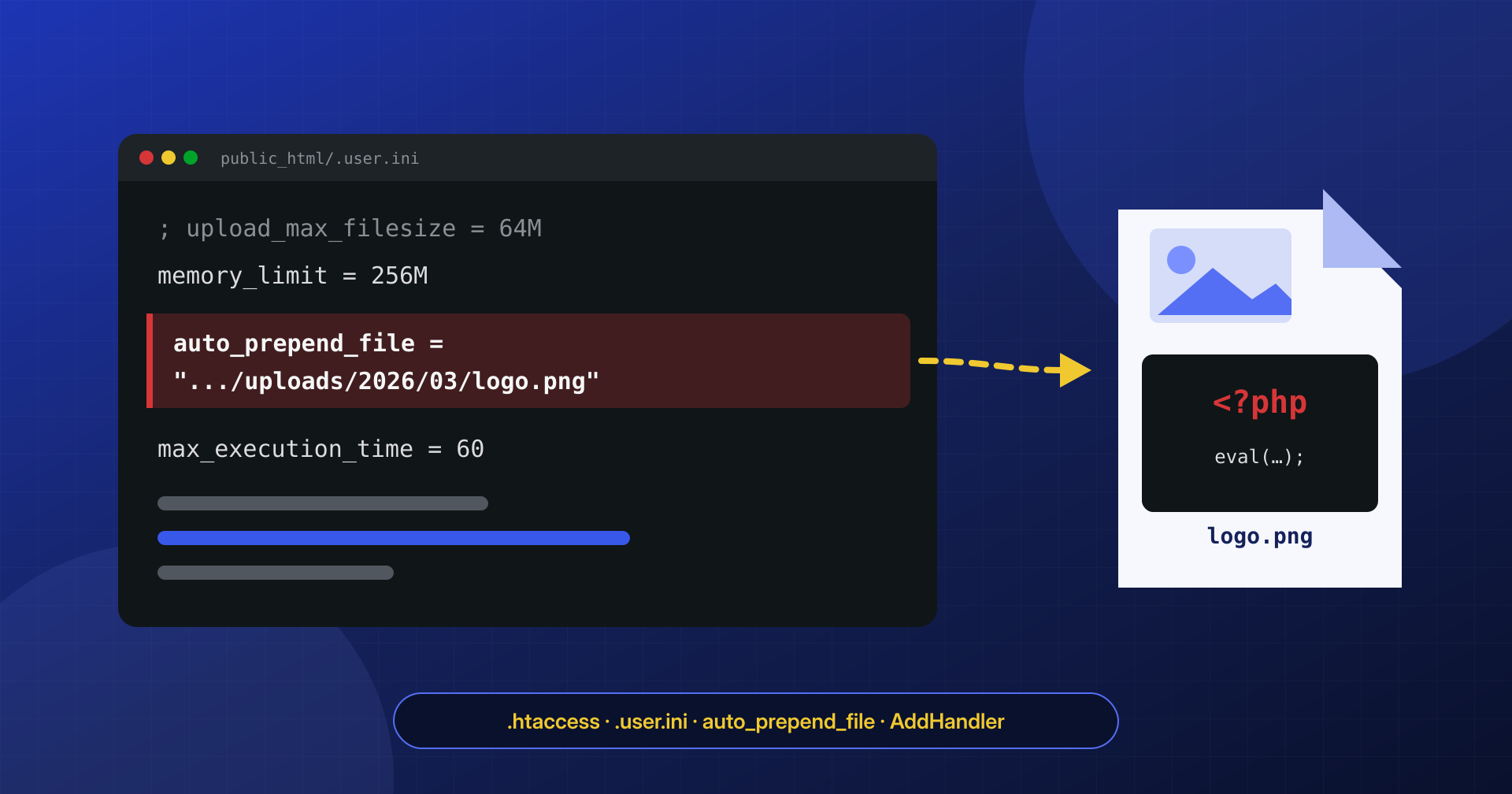
Injected auto_prepend_file, AddHandler and rewrite rules: how .htaccess and .user.ini load backdoors before WordPress, and how to find, verify and remove them.
Read the article
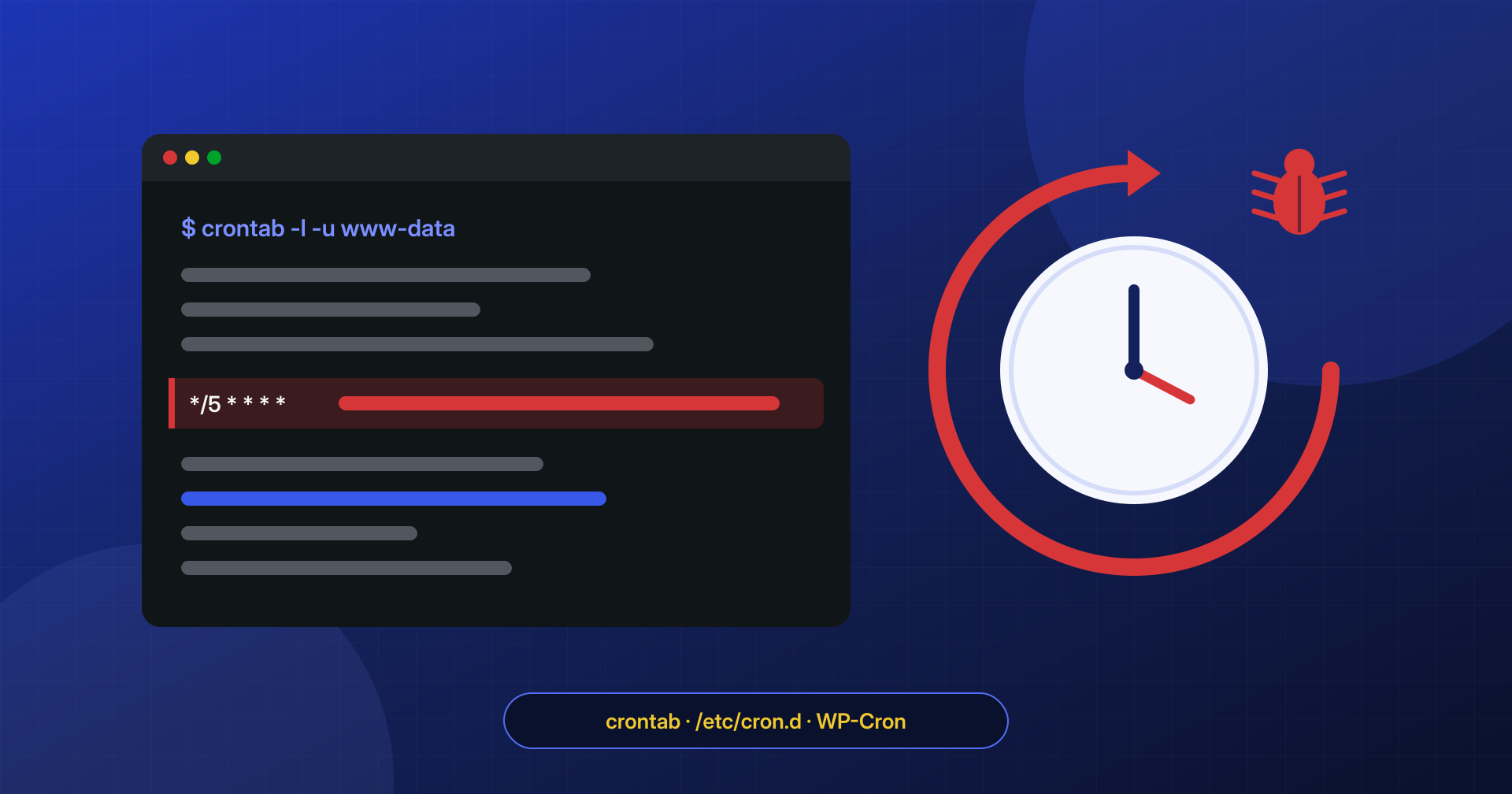
User crontabs, /etc/cron.d and WP-Cron events: where the persistence that reinfects a WordPress site after cleanup hides, and how to inspect it.
Read the article
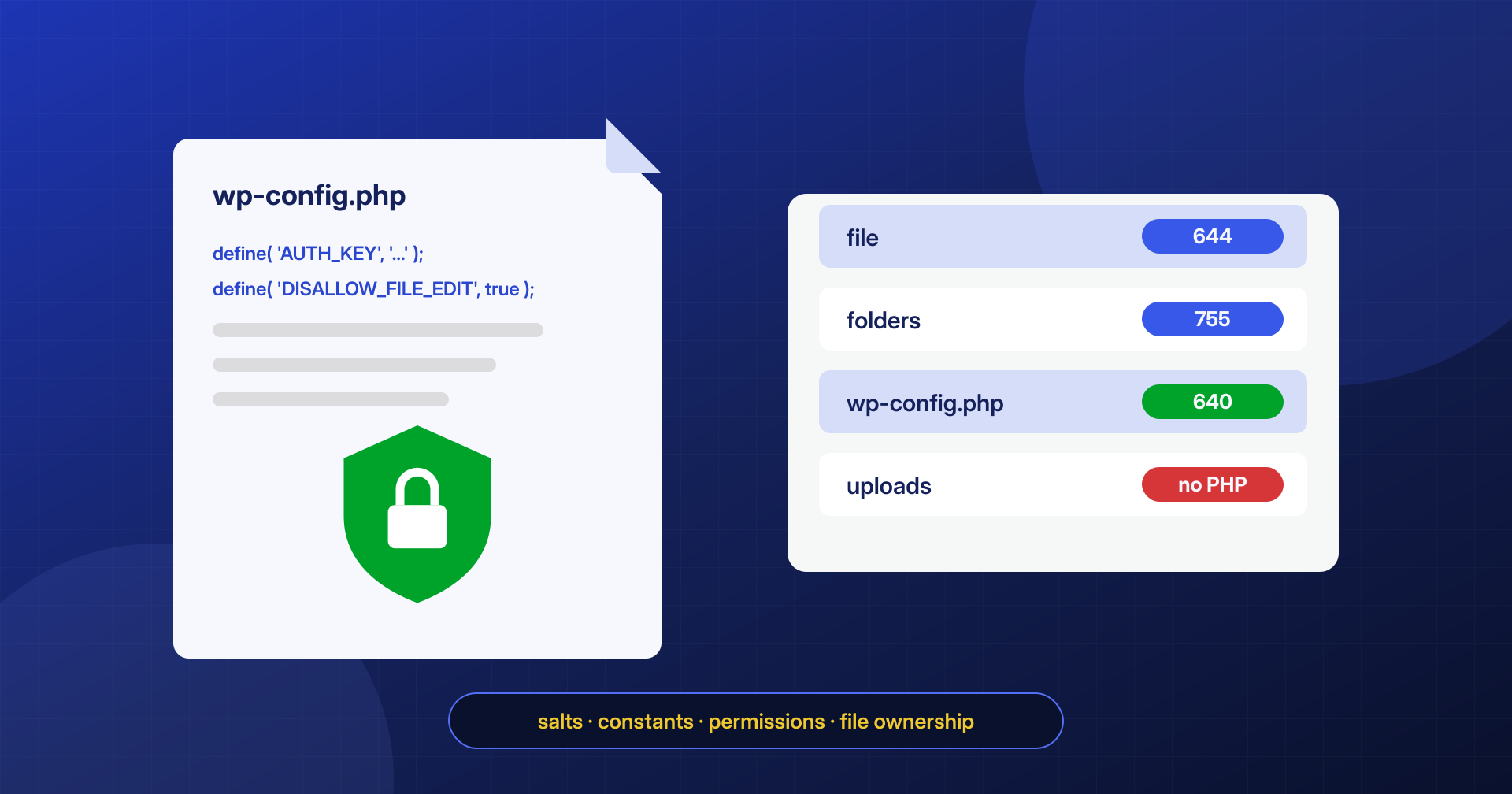
After a cleanup: check wp-config.php, regenerate keys and salts, use the security constants, and set file permissions and ownership correctly.
Read the article
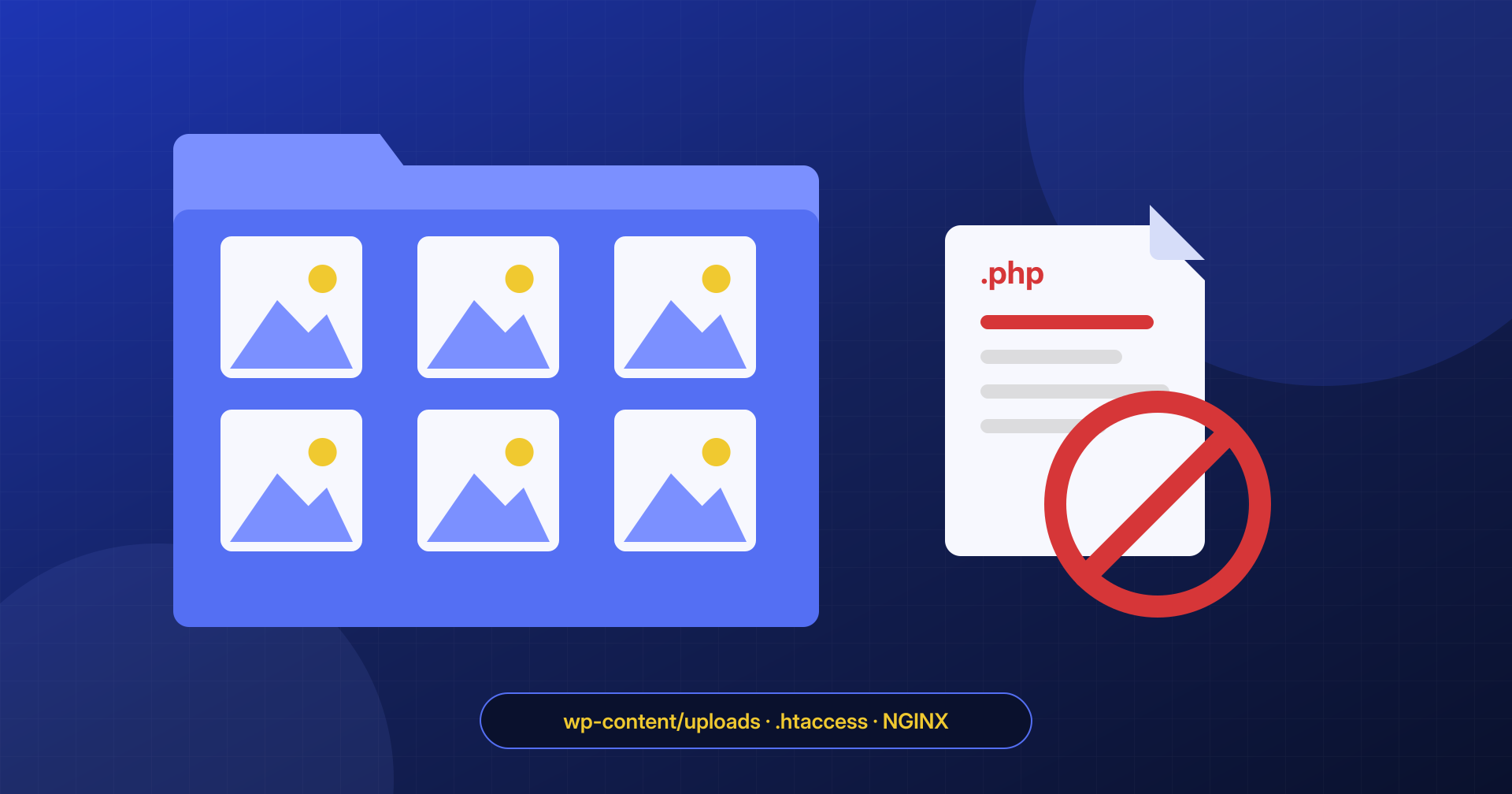
Why webshells end up in wp-content/uploads, how to find them and how to block PHP execution on Apache, LiteSpeed and NGINX, and what the block does not cover.
Read the article
Every hour counts: the malware keeps hitting visitors and customers, and Google, your host and the blacklists won’t wait. Choose a plan, pay online and share your access: the cleanup starts right away, at a fixed price and with guaranteed times.
Request a cleanupTakes you to the plans: cleanup within 6, 12 or 24 hours of receiving access.
Monday – Friday · 9:30am – 7:30pm Italian time (CET)